
Track Your LESCO Bill
Enter your unique reference number to instantly verify your current bill status and payment history online.
How It Works
[1]

Log In & Enter Details
Access your secure portal and input your unique LESCO account information to begin your check.
[2]

Verify Bill Accuracy
Review your LESCO bill details in real-time to ensure all charges are correct before payment.
[3]

Make Secure Payment
Complete your payment securely through our encrypted interface and track your transaction status.
Smart LESCO Tools

Secure Viewing
Access your LESCO bills with absolute privacy and encryption on any device.

Mobile Ready
Manage your payments and track expenses seamlessly from your smartphone or tablet.

Payment Tracking
Monitor your bill history and payment status in real-time for total financial clarity.
Common Questions
How do I check my LESCO bill online?
Is my payment information secure?
Can I pay my bill from my phone?
What should I do if I lose my bill?
How do I track my payment history?
Modern Payment Tools


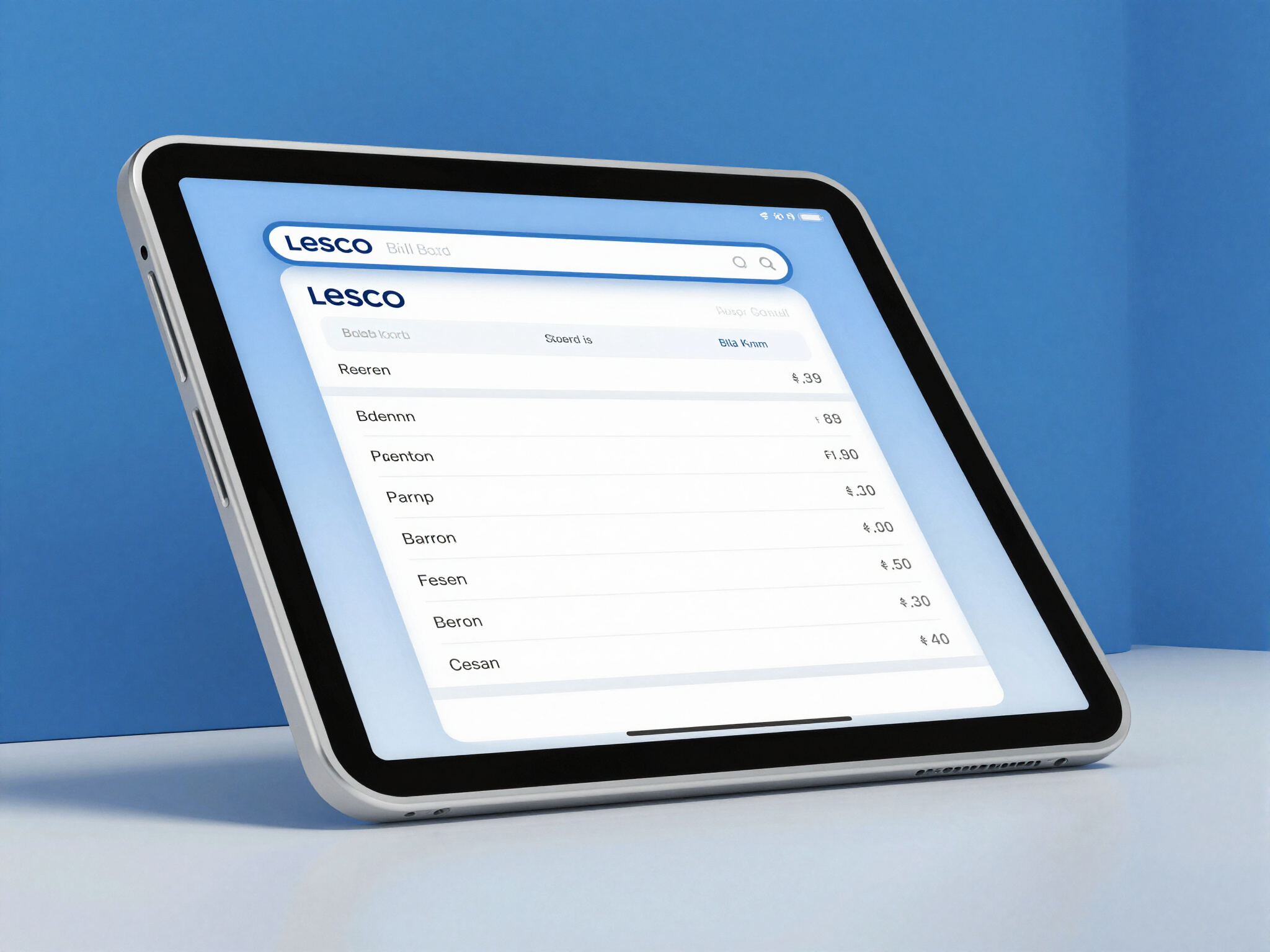

Visit https://onlinebilllesco.pk/ and enter your reference number to access your bill details. You can check your electricity charges, total payable amount, billing month, and due date.
The online service also helps you download or print a duplicate LESCO bill for your records.
Check LESCO Bill Online anytime to monitor electricity expenses, manage monthly payments, and avoid late payment charges. It is a convenient way to access your electricity billing information.
What Is LESCO?
LESCO stands for Lahore Electric Supply Company, an electricity distribution company operating in Pakistan.
It provides electricity distribution services to consumers in Lahore and surrounding districts, including Kasur, Sheikhupura, Okara, and Nankana Sahib.
LESCO serves residential, commercial, industrial, and other electricity consumers.
Customers receive electricity bills based on their applicable tariff, electricity consumption, and other billing adjustments.
Online bill checking allows consumers to access their billing information without relying entirely on physical bill delivery.
How to Check LESCO Bill Online?
You can check your latest LESCO electricity bill by following a few simple steps.
Step 1: Open the Bill Checking Website
Visit:
The website provides an online LESCO bill-checking option and information about electricity billing.
Step 2: Find Your Reference Number
Locate the 14-digit reference number printed on a previous electricity bill.
Make sure you enter the reference number associated with the correct electricity connection.
Step 3: Enter Your Reference Number
Type your reference number into the bill-checking field.
Check the digits carefully because an incorrect number may prevent the system from finding your bill.
Step 4: Check Your Electricity Bill
Click the bill-checking button to access the available bill information.
Your latest available electricity bill should appear through the connected billing service.
Step 5: Download or Print Your Bill
Once your bill opens, you can use the available download or browser print options to save a copy for your records.
This process is useful when you have not received your paper bill or need another copy.
How to Find Your LESCO Reference Number
Your LESCO reference number is an important identifier used to access the billing record of your electricity connection.
It normally contains 14 digits and is printed on your electricity bill near the customer and billing information.
To find it:
-
Take an old LESCO electricity bill.
-
Locate the field labeled "Reference No."
-
Identify the 14-digit reference number.
-
Enter the digits in the online bill-checking system.
Some bills also display an additional letter, such as U or R, beside the reference number. Follow the instructions of the bill-checking service regarding this suffix.
If you cannot find your reference number, check an older bill or contact the relevant LESCO customer service office for assistance.
How to Download a Duplicate LESCO Bill
A duplicate electricity bill is another copy of your original billing document.
It can be particularly helpful when your printed bill is lost, damaged, or delayed.
To obtain a duplicate LESCO bill online, open the bill-checking website and enter your reference number.
After the bill appears, select the available print or download option.
If the website does not offer a direct PDF download button, you can generally use your browser's printing feature and select Save as PDF.
Save the document on your phone or computer so that you can access it whenever needed.
A duplicate bill typically contains the same billing details as the corresponding original bill.
What Information Appears on a LESCO Electricity Bill?
Understanding your electricity bill helps you monitor consumption and recognize unexpected charges.
A LESCO bill can include several important details.
Bill InformationDescription
Reference NumberIdentifies your electricity connection for billing
Customer IDAnother consumer identification number
Billing MonthMonth associated with the electricity bill
Meter ReadingRecorded electricity meter readings
Units ConsumedElectricity consumption shown for the billing period
Energy ChargesCharges based on applicable electricity tariffs
Fixed ChargesApplicable charges based on tariff category
Taxes and AdjustmentsApplicable taxes, surcharges, and billing adjustments
Due DateDeadline for paying the bill without a late payment surcharge
Payable AmountAmount required for payment
Carefully reviewing these details can help you understand your monthly electricity expenses.

How to Check LESCO Bill Using a Mobile Phone
You do not need a desktop computer to access your LESCO bill.
Online bill-checking services can also be accessed using a smartphone with an internet connection.
Open your preferred browser, visit https://onlinebilllesco.pk/, and enter your 14-digit reference number.
Once the billing page opens, you can review the bill details and use your phone's browser options to save or share a copy.
Keeping a digital copy can help you avoid searching for your reference number every month.
use the utility bill payment feature, subject to the services available in their account.
Open the JazzCash app, select the electricity bill payment option, choose LESCO, and enter your reference number.
Verify the amount and account details before confirming the transaction.
2. Easypaisa
Easypaisa is another option for paying electricity bills through a mobile wallet.
Open the Easypaisa application, navigate to bill payments, select the electricity category, and choose LESCO.
Enter your reference number and check the bill details before completing the payment.
3. Mobile Banking Applications
Many Pakistani banks provide electricity bill payment facilities through their mobile banking applications.
The general process involves selecting utility bill payments, choosing LESCO, entering the reference number, and confirming the transaction.
4. Bank Branches and ATMs
Consumers who prefer traditional payment options can use participating bank branches or supported ATMs.
Always collect and retain your payment receipt for future reference.
Important: Checking a bill and paying it are separate processes. Use a trusted bank, wallet, or authorized payment channel to complete your electricity bill payment.
Benefits of Checking Your LESCO Bill Online
Online bill checking provides several practical benefits.
Easy Access
You can access your available electricity bill information from home or while traveling.
Saves Time
Online services reduce the need to visit an electricity office simply to obtain another copy of a bill.
Helps Avoid Late Payments
Checking your bill before the due date gives you more time to arrange payment and avoid applicable late payment charges.
Digital Record Keeping
You can save your electricity bills as digital files and keep them organized by month.
Convenient Bill Comparison
Reviewing previous and current bills can help you identify changes in electricity usage and monthly expenses.
Why Is My LESCO Bill Not Showing Online?
Sometimes, an electricity bill may not appear when you enter your reference number.
There are several possible reasons.
Incorrect reference number: Check whether you have entered all 14 digits correctly.
Bill not yet available: The latest bill may not have been uploaded or made available through the billing system.
Temporary website problem: The billing service may be experiencing a technical issue.
Reference number change: If your old reference number no longer works, compare it with a recent bill or confirm the updated details with LESCO.
Internet connection problem: A weak or interrupted internet connection may prevent the bill page from loading.
If the problem continues, use the official LESCO or PITC billing service or contact customer support.
How to Reduce Your Monthly LESCO Electricity Bill
Checking your electricity bill regularly can also help you manage your electricity expenses.
Consider adopting a few practical energy-saving habits.
Use energy-efficient LED lighting instead of older, less efficient bulbs.
Switch off unnecessary electrical appliances and lighting when they are not required.
Choose energy-efficient appliances when replacing old equipment.
Maintain air conditioners and clean their filters according to the manufacturer's instructions.
Where applicable, consider shifting discretionary electricity use away from peak billing hours under your tariff.
You should also monitor your monthly electricity consumption and compare the results with previous bills.
Although electricity tariffs, taxes, and fixed charges can affect your final payment amount, reducing unnecessary electricity usage may help control the variable portion of your bill.
Frequently Asked Questions
How can I check my LESCO bill online?
Visit https://onlinebilllesco.pk/, enter your 14-digit electricity reference number, and use the bill-checking option to access your latest available bill.
Can I download my LESCO bill as a PDF?
Yes. After opening the bill, you can use an available download function or your browser's Print option to save the document as a PDF.
Can I check my LESCO bill without a reference number?
Some official billing services may provide a Customer ID lookup option. If you have neither identifier, contact LESCO customer support for assistance.
Is checking a LESCO bill online free?
Viewing electricity bill information through standard online bill-checking services is generally free. Your internet provider's regular data charges may still apply.
Can I check an old LESCO bill online?
The online billing service generally focuses on the latest available bill. Historical records may be limited, so save monthly PDF copies for future reference.
How can I check whether my LESCO bill is paid?
Check your transaction history in the banking or mobile wallet service used for payment. If payment status remains unclear, confirm it through the relevant billing service or LESCO customer support.
Can I check my LESCO bill on my phone?
Yes. You can access online billing services through a mobile browser using your electricity reference number.
What should I do if my bill amount is incorrect?
Review your meter readings, units consumed, tariff category, and any adjustments shown on the bill. If you believe there is an error, contact the relevant LESCO office or official complaint channel.
Conclusion
The ability to check LESCO bill online makes electricity bill management more convenient for consumers.
Instead of waiting for a printed bill, you can use your reference number to view your latest available billing information, check the due date, and obtain a duplicate copy.
Visit https://onlinebilllesco.pk/ to access the LESCO bill-checking tool and helpful billing guides.
Remember to verify your bill details, use authorized payment services, and keep your payment receipts for future reference.